

Adobe AEM Flaw: Flashbacks to Flash and Why You Need to Patch Now
This takes me back to the days of Adobe Flash. For years, Flash was one of the most notoriously vulnerable pieces of software on the web, consistently exploited by attackers until it was finally retired. Now, in 2025, Adobe is back in the spotlight — this time with Adobe Experience Manager (AEM).

Pixnapping: The Android Exploit That Can Steal Everything on Your Screen
If you thought your shiny new Pixel 10 Pro Fold was the ultimate flex, think again. Researchers have uncovered a new Android exploit dubbed Pixnapping, and it’s as bad as it sounds. This attack can capture everything displayed on your screen — including sensitive data like two‑factor authentication (2FA) codes.

Sora 2: The Amazing — and Alarming — Future of AI Video
With just a few words, Sora 2 can spin something out of nothing. Movie‑quality trailers. Convincing deepfakes. Entire worlds fabricated in seconds. It’s a technological marvel — and a security challenge we can’t ignore.
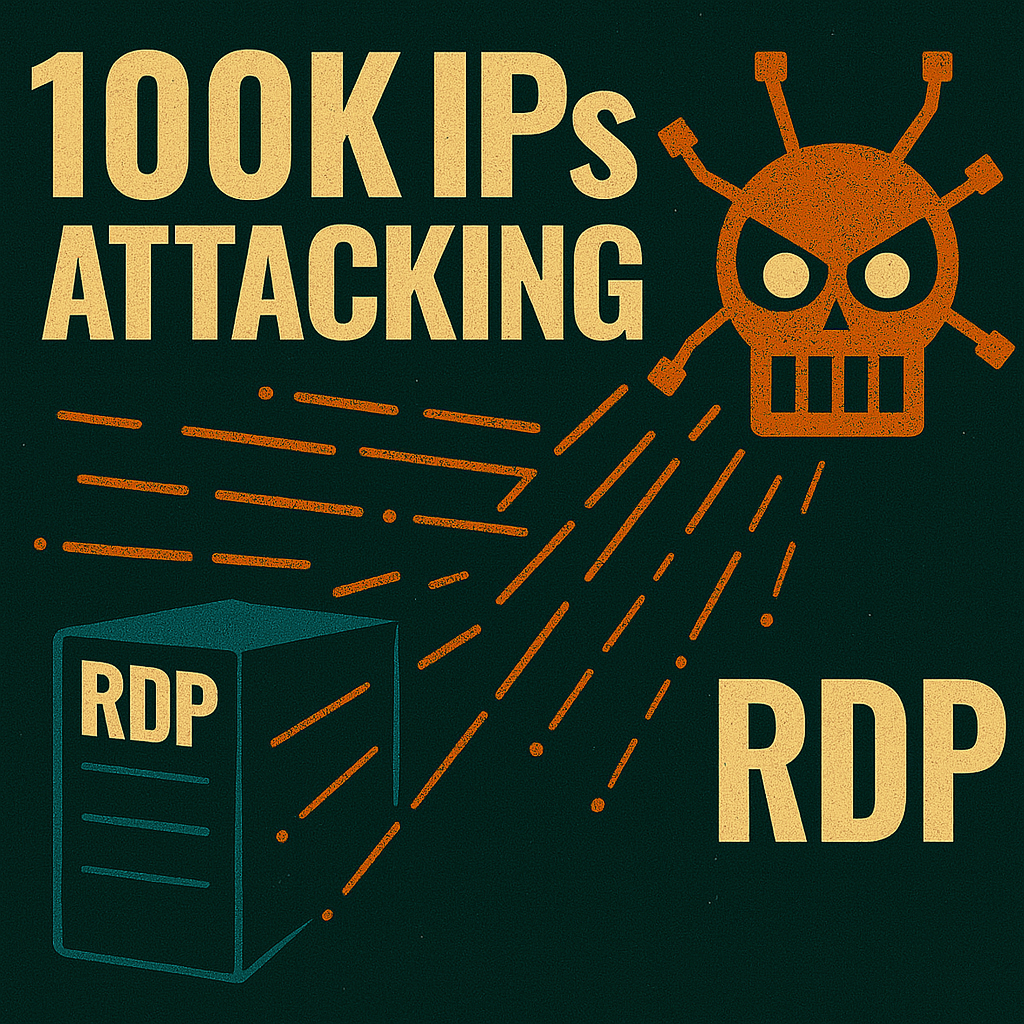
Massive Multi‑Country Botnet Targets RDP: Why Remote Desktop Is Still a Top Attack Vector
On October 8, researchers observed a large‑scale botnet campaign targeting Remote Desktop Protocol (RDP) services in the United States. The attacks are being launched from more than 100,000 IP addresses across multiple countries, making this one of the most aggressive RDP campaigns in recent memory.
According to multiple reports, the botnet is systematically scanning and brute‑forcing exposed RDP endpoints. Given the scale and distribution of the IPs, experts believe this is a coordinated, multi‑country operation designed to compromise vulnerable systems quickly and at scale.

Do You Really Need That 30‑Year‑Old Email? Why Auto‑Archiving Isn’t Enough Without a Data Retention Policy
📬 Do you really need that email from 30 years ago? Probably not. And Microsoft seems to agree.
Microsoft is now enabling threshold‑based auto‑archiving by default in Exchange Online. When a user’s mailbox approaches 90% of its quota, the oldest items are automatically moved to the archive mailbox. This is a smart first step to reduce mailbox bloat and keep Exchange Online running smoothly.
But here’s the catch: auto‑archiving is not the same as a Data Retention Policy.